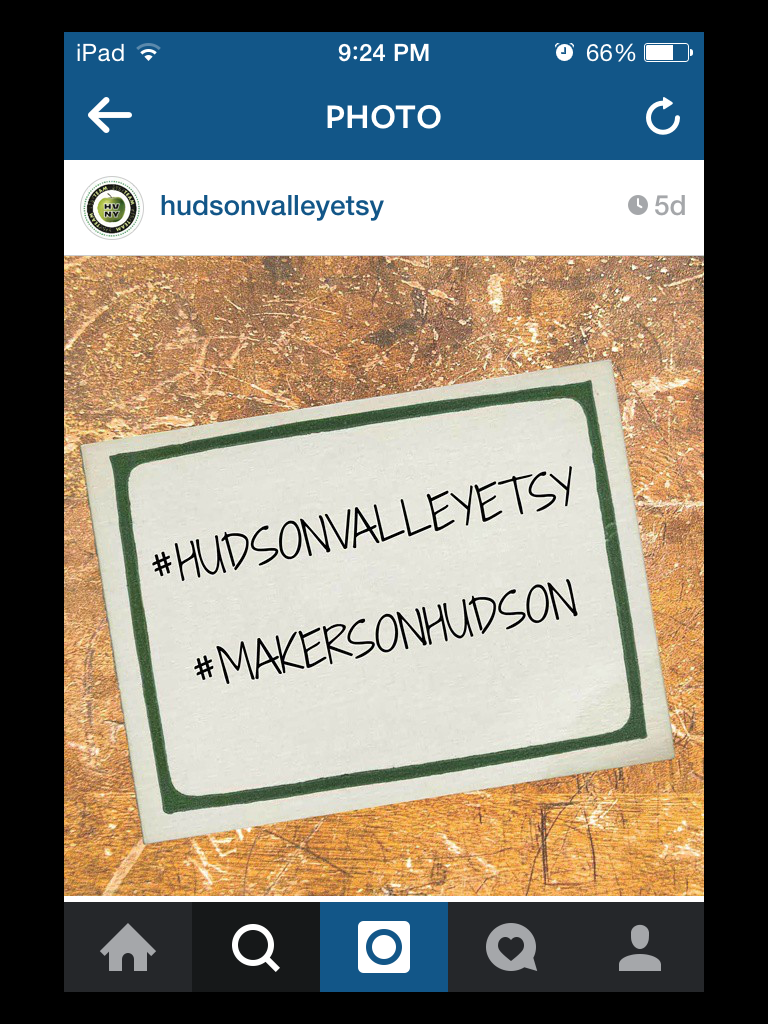
Recently our very own Hudson Valley Etsy started an Instagram account. I wrote a blog post introducing our new account and how to get started with your own Instagram account (click this link to view the original blog post)
When writing it I realized I had only touched on the tip of the iceberg and there was so much more to discuss. In this follow-up blog I hope to give some more tips and suggestions on how to get the most out of this uber popular social media platform.
To curate the best possible Instagram feed, create a cohesive look. By making sure your photos are of great quality and similar themes it will encourage people to follow you when they look at your profile.
Think carefully about your posts content, don't be too "salesy." Bring your followers closer to you by showing them behind the scenes photos, your techniques and tips, your studio and inspiration and most importantly your personality.
 |
| Mira's Naturals have great continuity in their Instagram feed |
Apps and Programs to enhance your feed:
1) If you generally do most of your craft business on a PC or laptop it is still possible to post to your Instagram feed without using your device. Download Gramblr a free program enabling you to select photos from your desktop and download them straight to your feed.
2) Also a useful program for your PC or laptop is Fotor. In this free program it is possible to manipulate, edit or collage your photos. Alternatively from your device you can use the Overgram app to add text to your pictures or Pic Stitch to make a collages and add frames.
 |
| Collage I put together using Fotor |
3) To help understand your audience look at Iconosquare. This is a free service to keep track of your statistics, who follows/ unfollows you, which of your posts is the most liked, comments on your posts and successful hashtags
 |
| Iconosquare summary of the Hudson Valley Etsys Most Liked Instagram Posts |
A bit about Hashtaging:
Using hashtags in Instagram as a way to help you grow your business is really important. The right hashtags will help you get more likes, followers and comments. Hashtags dramatically increase the reach of your post which means more Instagram followers. Hashtags can also help you find people on Instagram with similar businesses, interests as you.
When deciding which hashtags to use after a post the simpler the better and try to be specific. Hashtag what your product is, its color, who its for, where it is for sale, where it was make- anything that will foster interest. Here are afew good generic ones:
#etsy
#handmade
#shopsmall
#crafts
and of course if you are a member of the Hudson Valley Etsy don't forget:
#makersonhudson
#hudsonvalleyetsy
Linking with your other social media platforms:
Don't forget to share your instagram posts across your other social media accounts. It is very easy to link Instagram with your business facebook page, twitter, tumblr, flickr and foursquare.
1) From instagram go to your profile page (the person icon at the bottom)
2) Click the gears icon at the top of the page.
3) Scroll down to settings and click on 'Linked Accounts'
4) There should be a list of different social media platforms. Tap on the one you want to link.
For example linking to your facebook page: After tapping on the facebook link it will say Share to. Tap on this and the pages you manage will pop up. Mark the correct page.
5) Next time you post on instagram the last page will have all the social media platforms listed. Tap on the ones you want to share your post with before you tap the 'share' icon.
For a reminder here are all the team instagrams:
Elena Rosenburg is @elena_knitsandbits
Pulp Sushi is @pulpsushi
The Pudgy Rabbit is @thepudgyrabbit
Quarter Life Luck is @quarterlifeluck
So Handmade is @sohandmade1
Hudson Naturals is @4crispycorncakes
Melissa Anna Designs is @madcat03
Cynla is @cynlastudio
Twisted Thread and Hook is @twistedtah
Beyond the Picket Fence is @beyondthepicketfence
Lollypups is @lollypupspetwear
Hesters Studio is @hesterkeith79
Charms of Faith is @Jackie_charmsoffaith
Karmabee is @karmabeekaren
Miras Naturals is @mirasnaturals
Pve Shop is @pvedesign
Pergamena NY is @pergamenany
Harp & Thistle is @harpandthistlestitchery
Good Luck and Good making!
Sarah
SO Handmade
Karmabee is @karmabeekaren
Miras Naturals is @mirasnaturals
Pve Shop is @pvedesign
Pergamena NY is @pergamenany
Harp & Thistle is @harpandthistlestitchery
Good Luck and Good making!
Sarah
SO Handmade